Payment methods
Offer card, IRIS and bank-transfer choices in the customer portal.
Payment methods
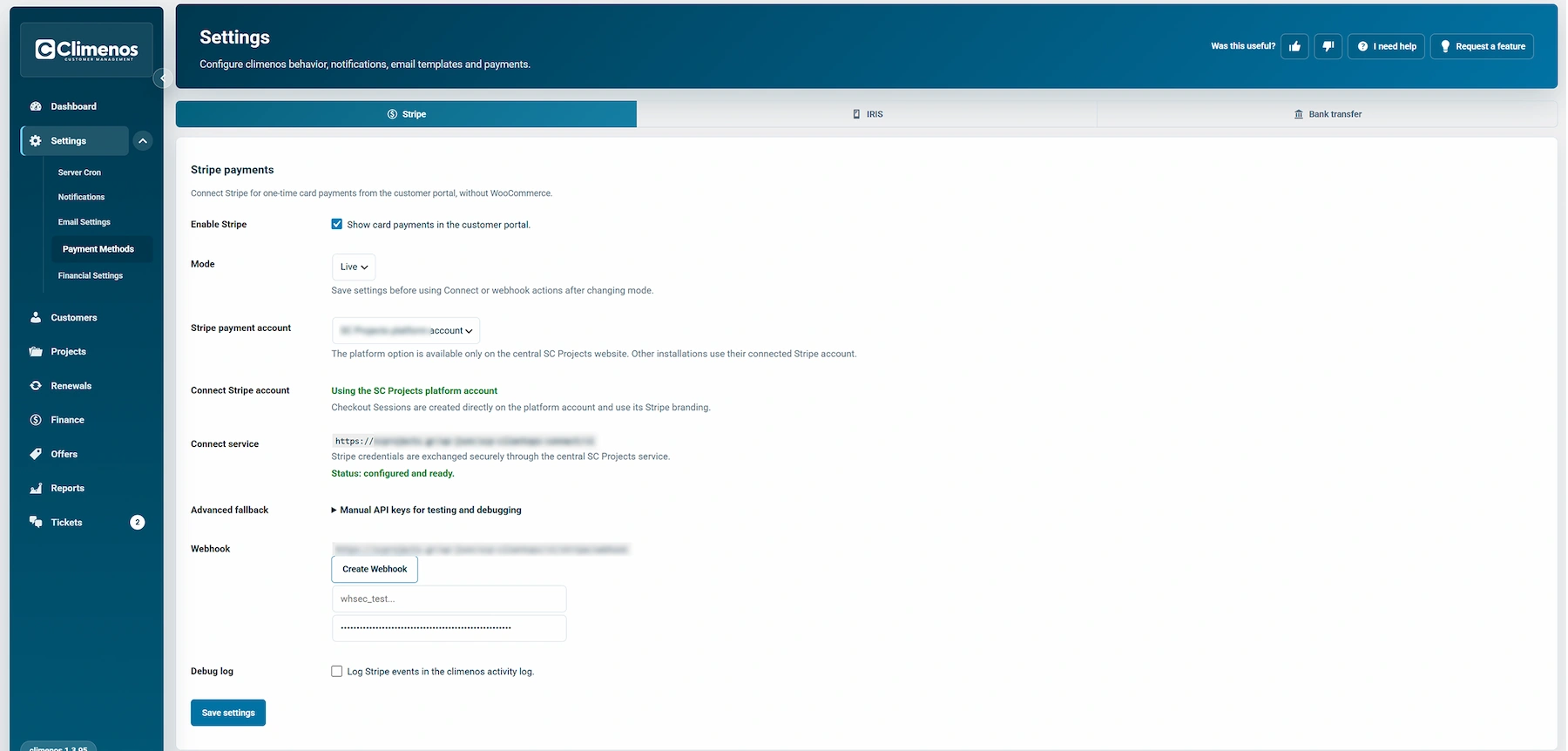
Settings → Payment Methods contains Stripe, IRIS and Bank Transfer. Enable only the methods your business is ready to accept, then save and check the customer-facing payment view.
Stripe
The Stripe switch shows card payments in the customer portal. Choose the correct Test or Live mode and the intended payment account. A successful online payment can update the related payment record. Test transactions are for verification, not actual collection. Use the displayed connection/status controls to confirm the method is ready before advertising it.
IRIS
IRIS QR (manual) displays a QR image and instructions. Because this is a manual payment route, verify receipt before marking an amount paid. IRIS e-commerce (online) is a separate online option with its own Test/Live mode and connection state. Do not assume that enabling the QR option also enables online IRIS payments.
Bank transfer
Enable bank transfer to show bank-account details and instructions to the customer. A transfer requires reconciliation against your bank records; the display of instructions is not payment confirmation.
Payment methods determine how a customer can pay. They do not replace service pricing, VAT or the administrator's review of Payment History.